Make curiosity visible
Open on a narrow chocolate passage. Save the wide view and the three filled centres for the reveal.
Independent chocolate campaign
Three filled chocolates, one small moment of discovery. A 15-second campaign from camera plan to final cut.
Campaign brief
Build anticipation for the first bite. Let the film reveal the three centres, then carry that idea into stills and social.
I adapted the concept, directed the film, selected references and reviewed the work through finishing. AI assisted the brief, code and imagery.
VELUNE is an independent fictional campaign. The case study includes final deliverables and source files.
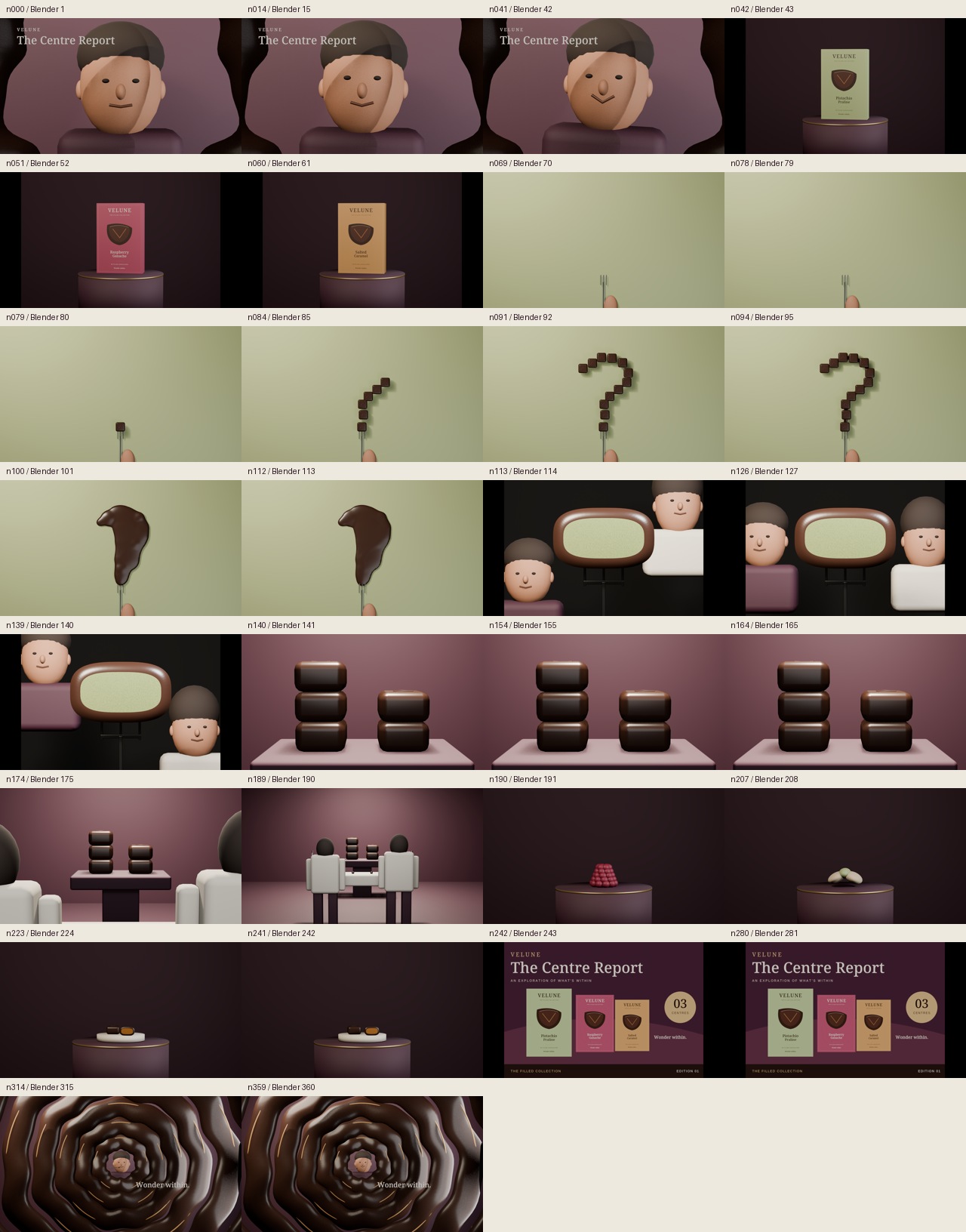
Blender animatic
Select any of the 12 shots to see how the Blender guide sets the framing, timing and movement.
Watch the full camera study, or select a shot to inspect its opening composition and the decision behind it.
The H3 direction revised the opening, closing, studio gestures and serving. See the visual references ↓
Explore the editable VELUNE studio exampleCreative decisions
Three choices set the pace, from the first glimpse inside to a quiet moment to read.
Open on a narrow chocolate passage. Save the wide view and the three filled centres for the reveal.
Keep the fork and chocolate still while observers move. Pull back to reveal the chocolatiers already at work.
Cut quickly through the three cartons, then hold The Centre Report for three seconds so it can be read.
Film frame at 2.375 seconds
The generated film briefly brought back the flat Blender artwork. I kept the edit and replaced the three carton inserts with the chosen reference images.
Appearance direction
Nine AI-generated stills guide the look in H3. The numbers match their upload order.
In Motion, choose “Load VELUNE example” for the images, Blender guide and H3 Max settings.
AppearanceSupplied AI reference images
MovementOriginal Blender camera layouts
LetteringSeparate report master & final type check
Match the angle and scale of each pack across the quick cuts.
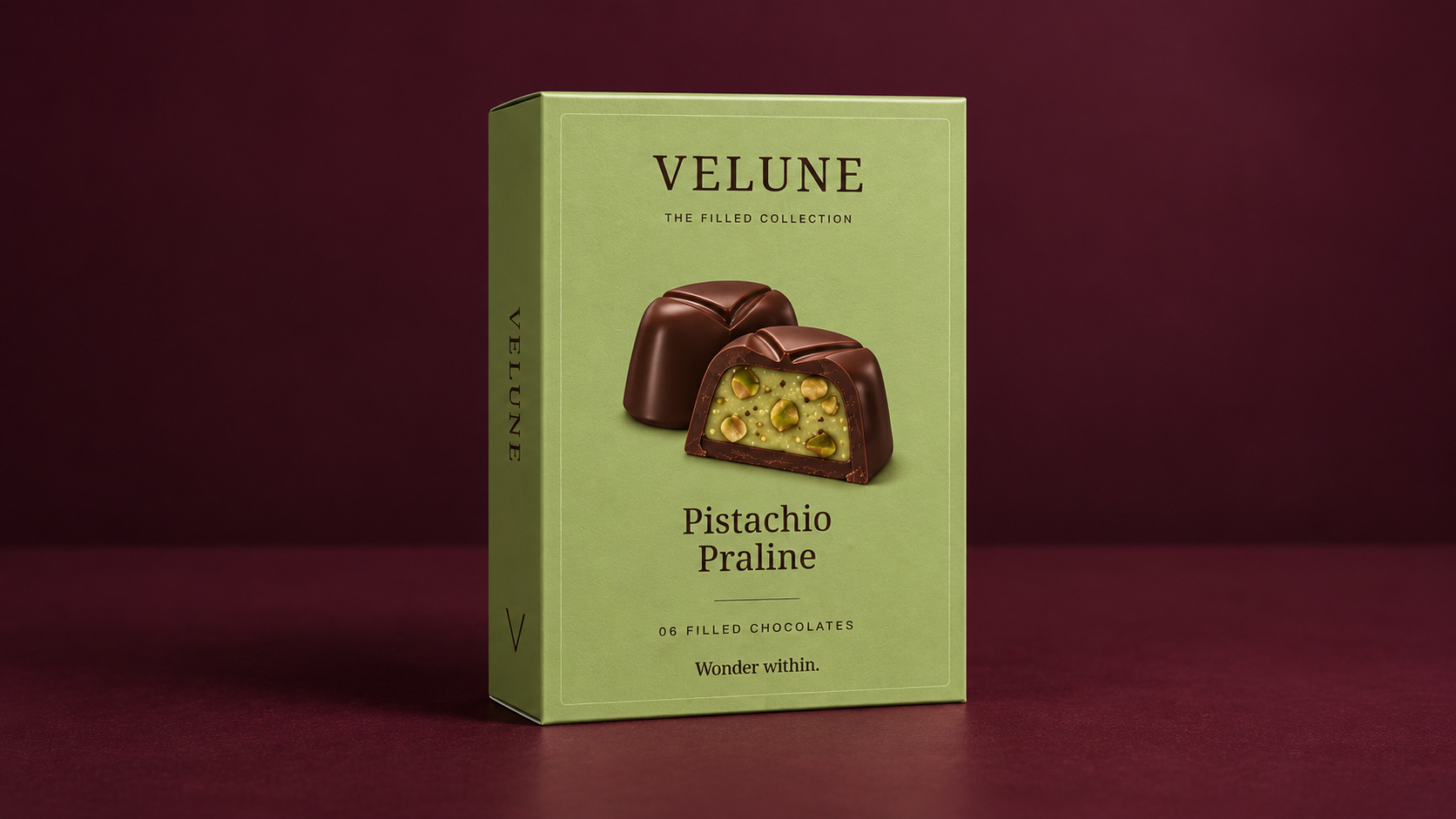
Solo pistachio-green carton: folded paperboard, printed whole-and-cut chocolate, clear side depth. Keep front lettering readable; register its position with the other two carton shots without mirroring the artwork.
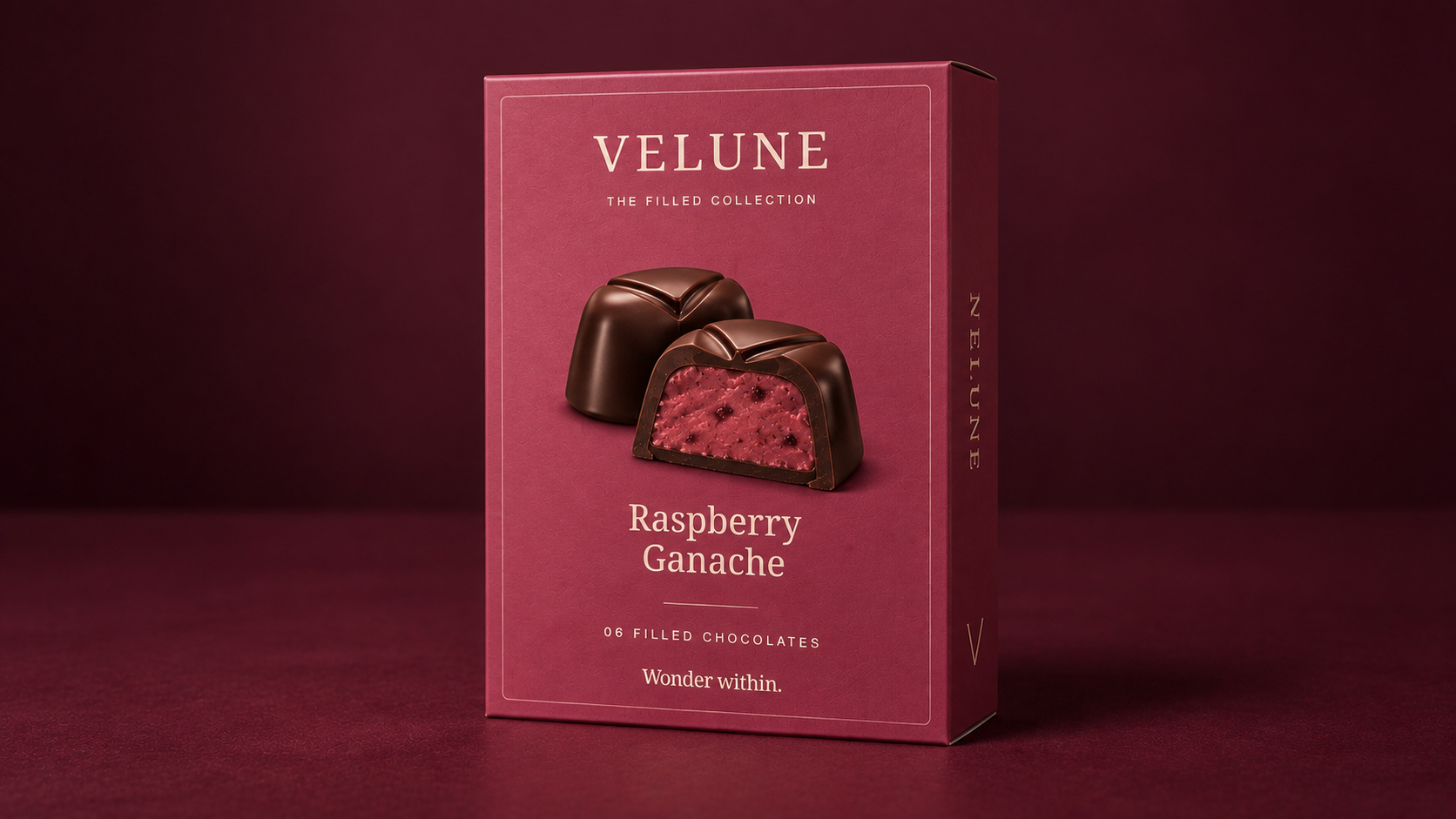
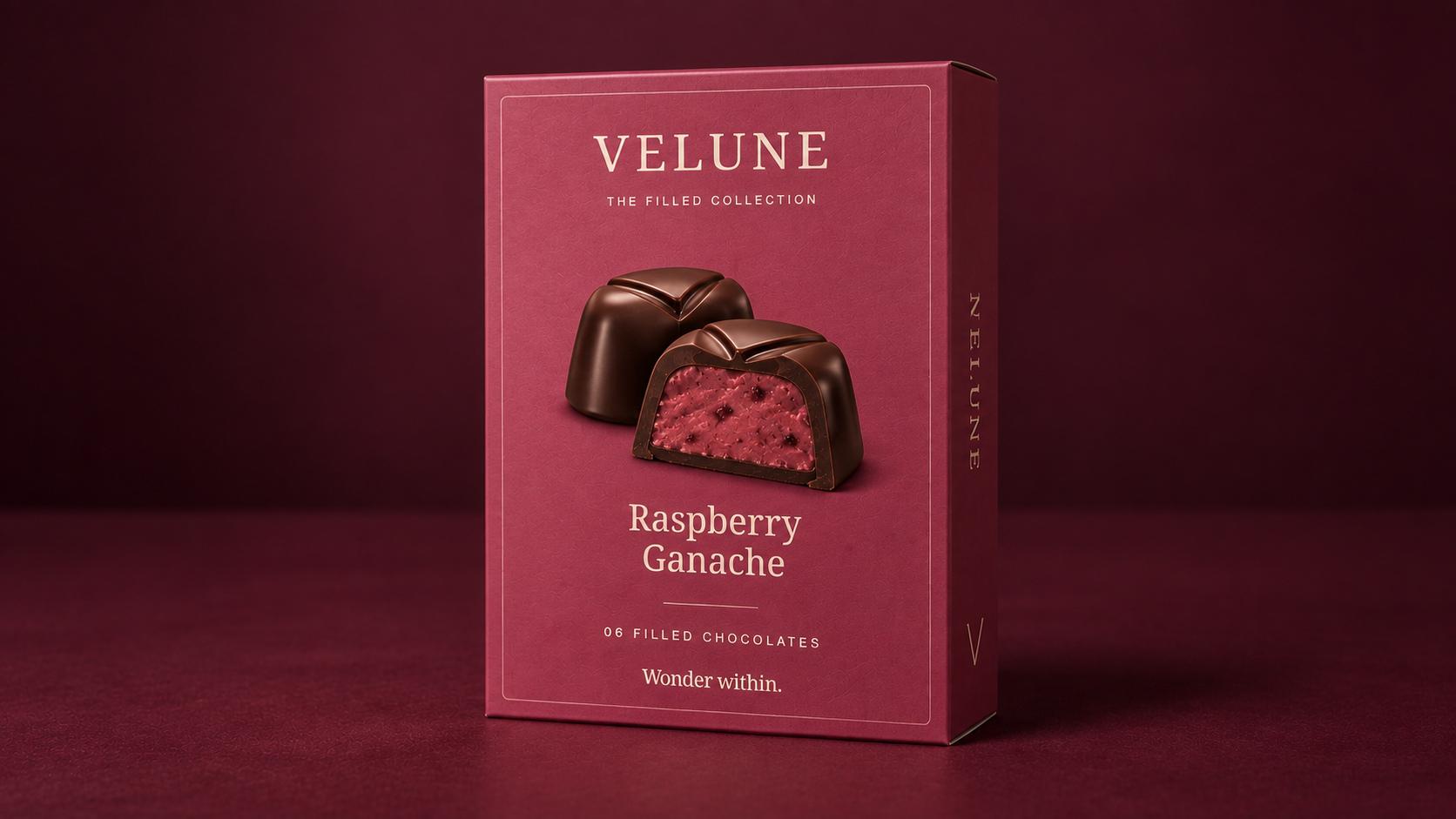
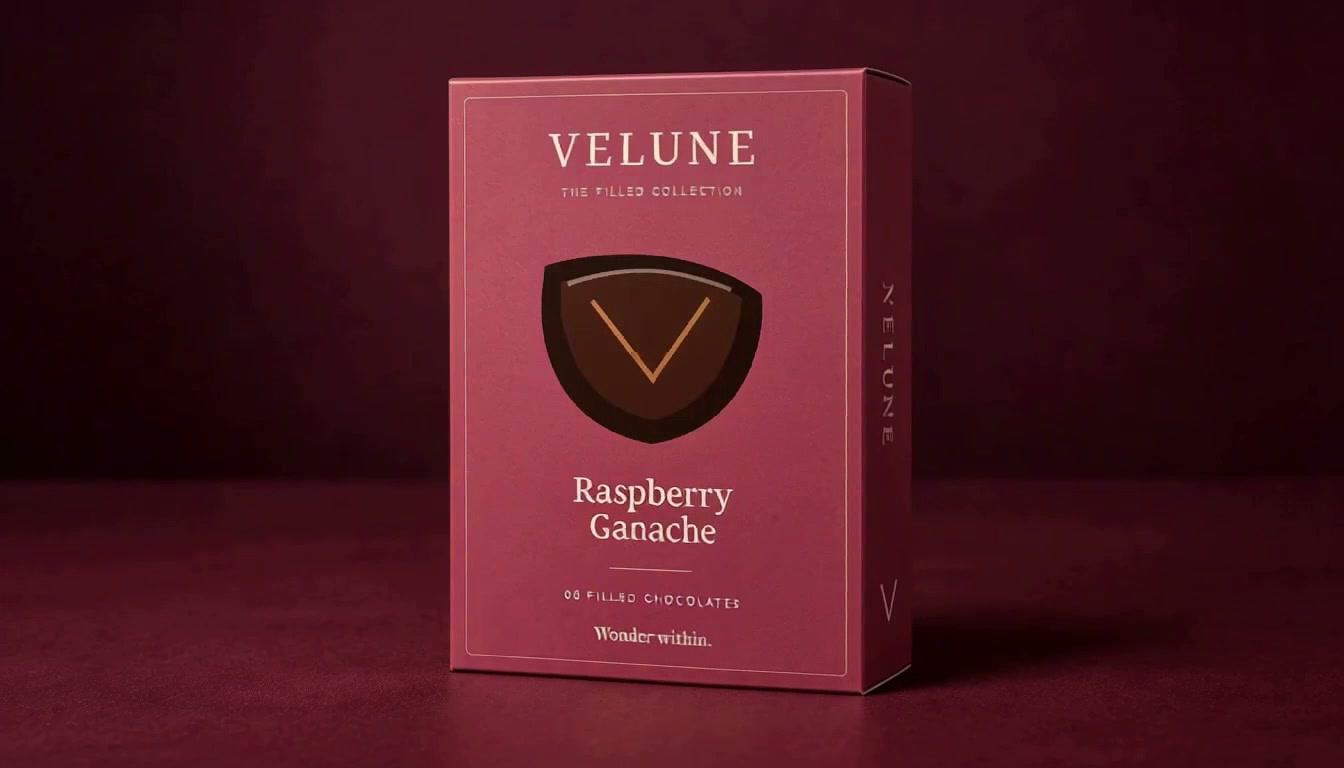
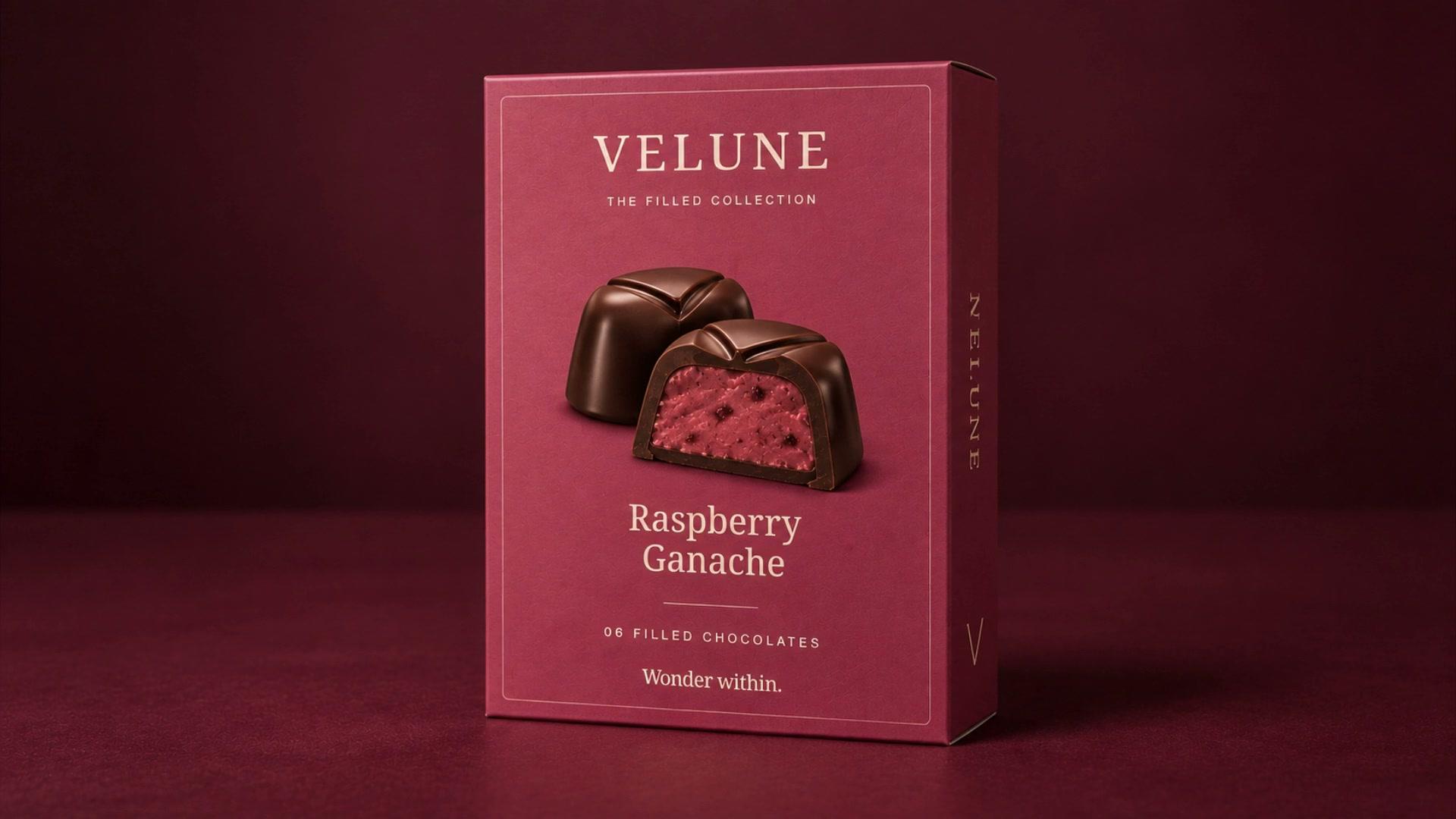
Solo raspberry-plum carton with exposed berry centre printed on the front. Preserve its flavour colour, paper texture and family proportions; exact side-panel lettering needs finishing review.
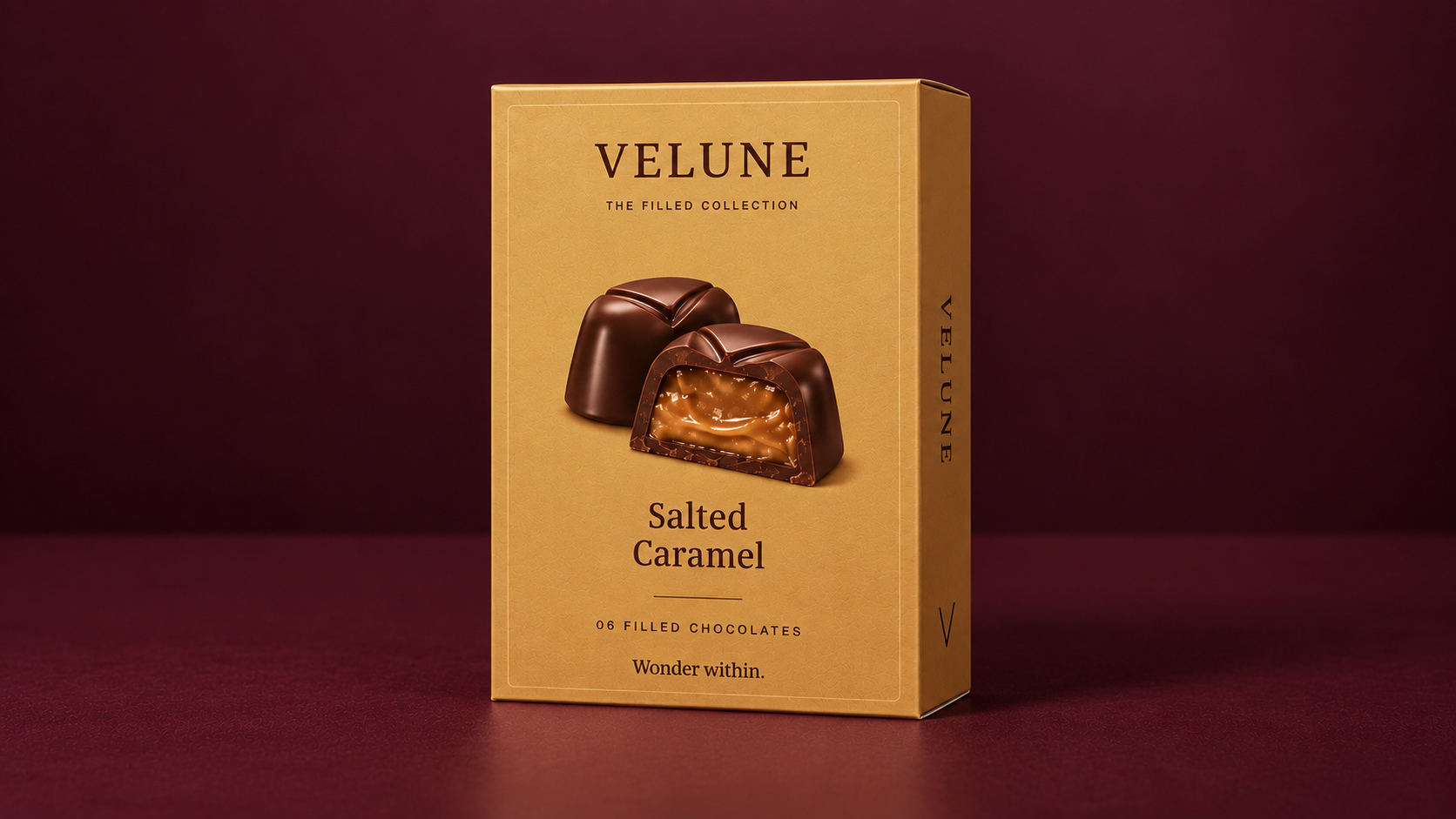
Solo caramel-gold carton with amber centre printed on the front. The printed chocolate stays on the carton face; preserve the physical fold seams and soft contact shadows.
Give the berry and pistachio their own macro shots.
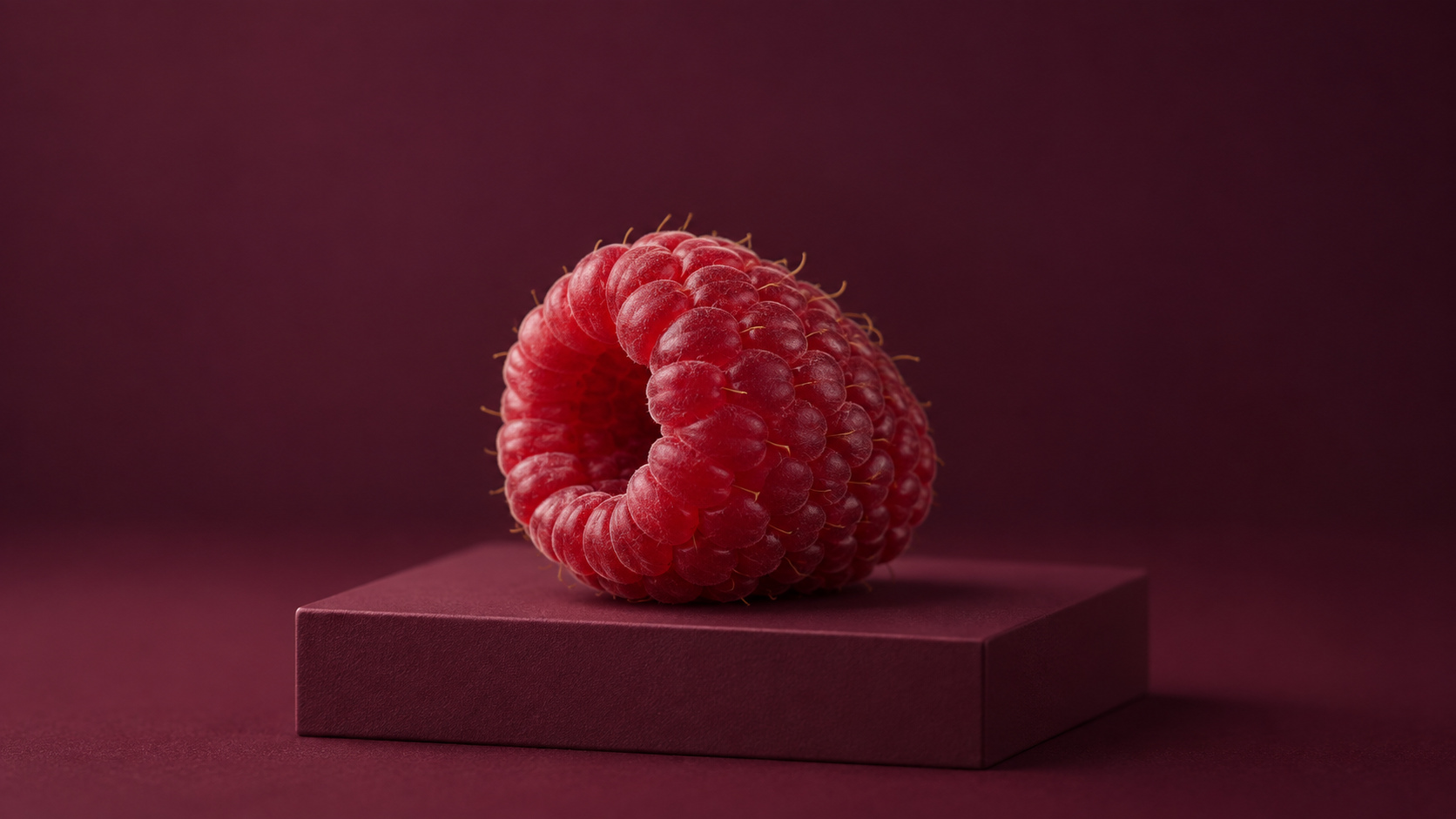
A whole raspberry with individual drupelets, fine hairs and natural unevenness. Use for the ingredient insert, not the raspberry ganache or a chocolate cutaway.
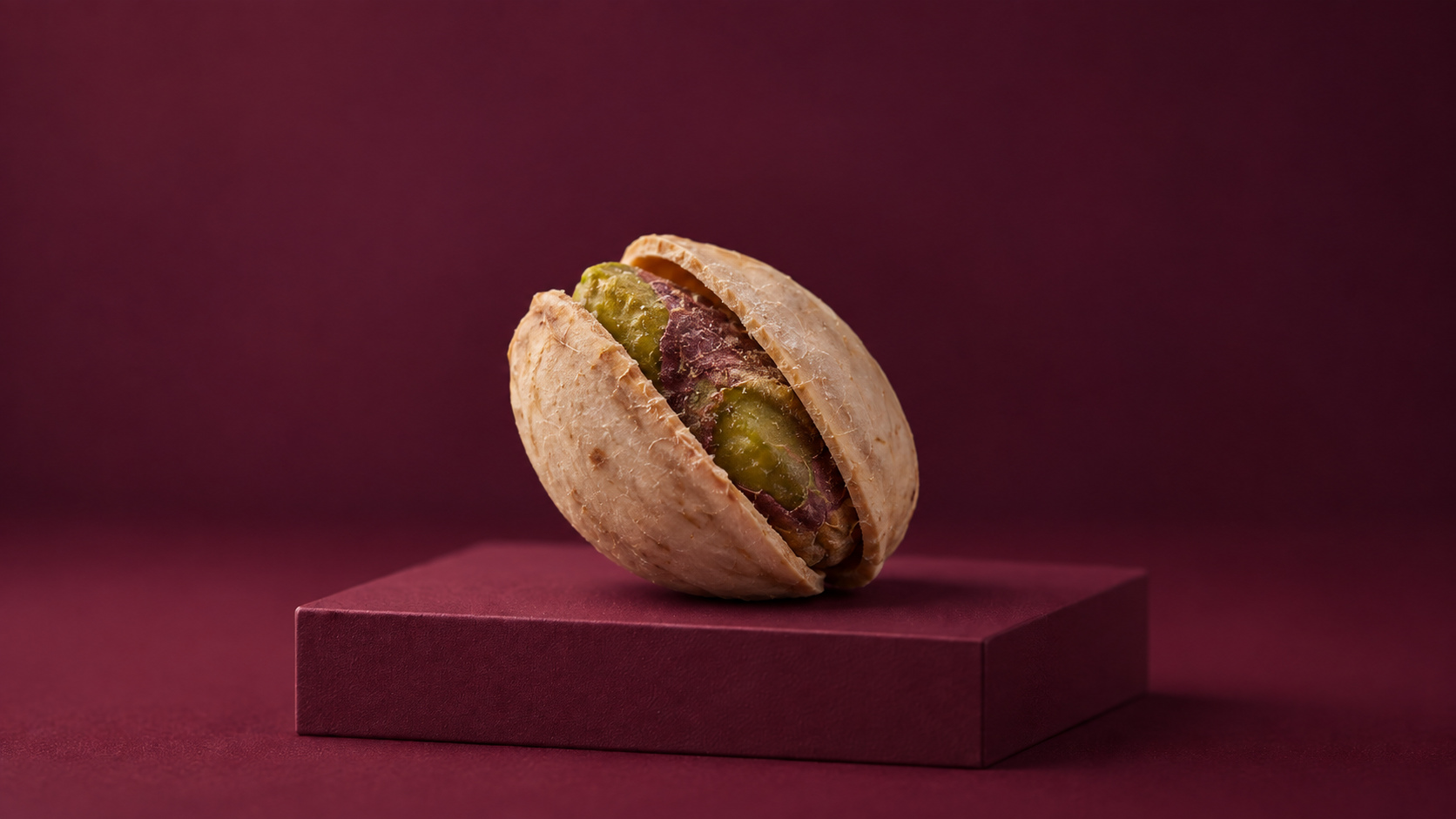
An already-open nut with dry cream shell, green kernel and purple skin. Shell and kernel stay one stable assembly during the small turn.
One pistachio half for the fork reveal. All three centres for the plate.
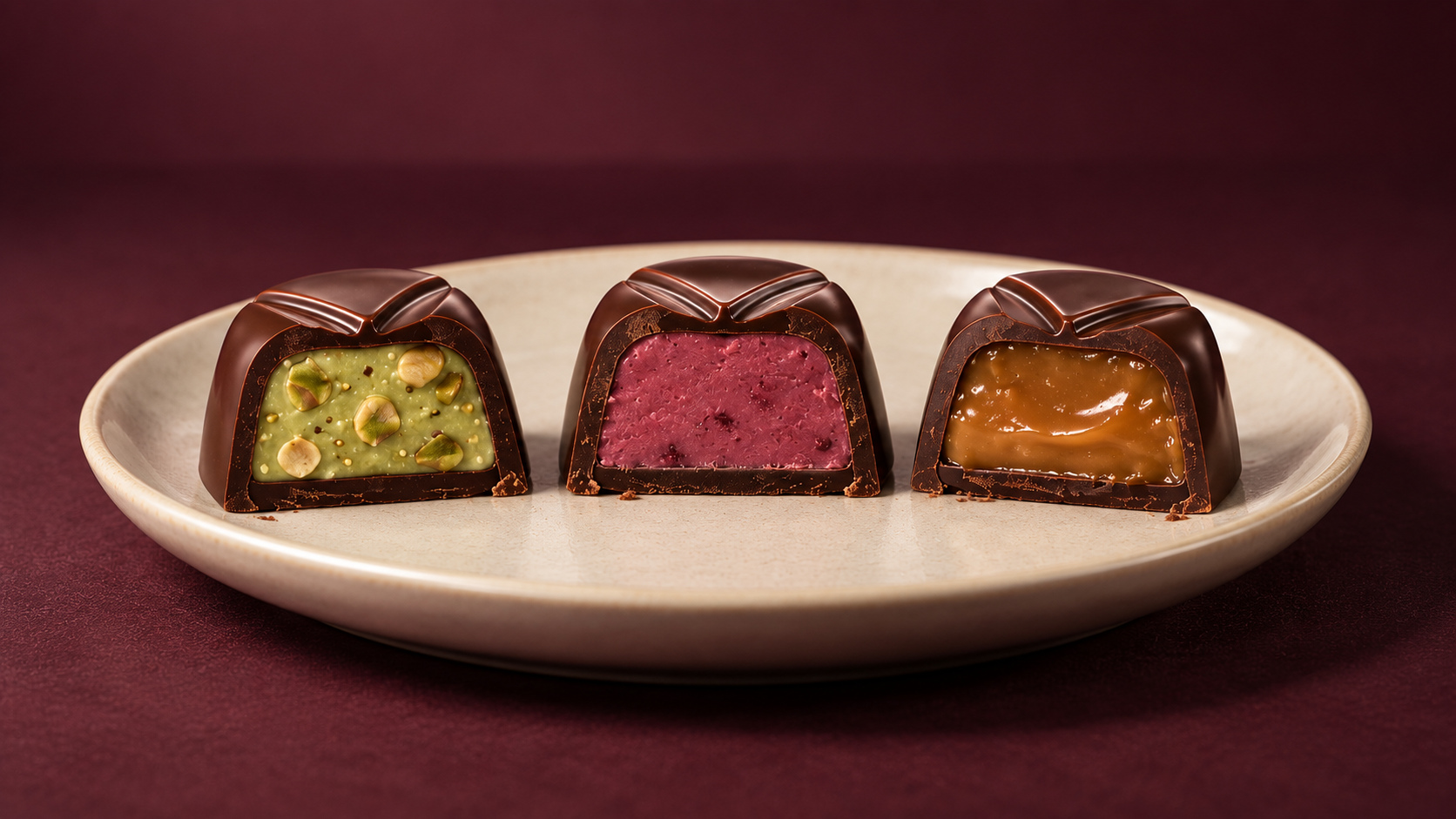
Three cut halves on an ivory dish: pistachio left, raspberry middle, caramel right. Use ONLY the left pistachio half for the solo fork reveal, without the dish or other flavours. Use all three halves for the serving and final reveal; fillings remain contained.
Direct the working gestures and give the opening and closing different compositions.
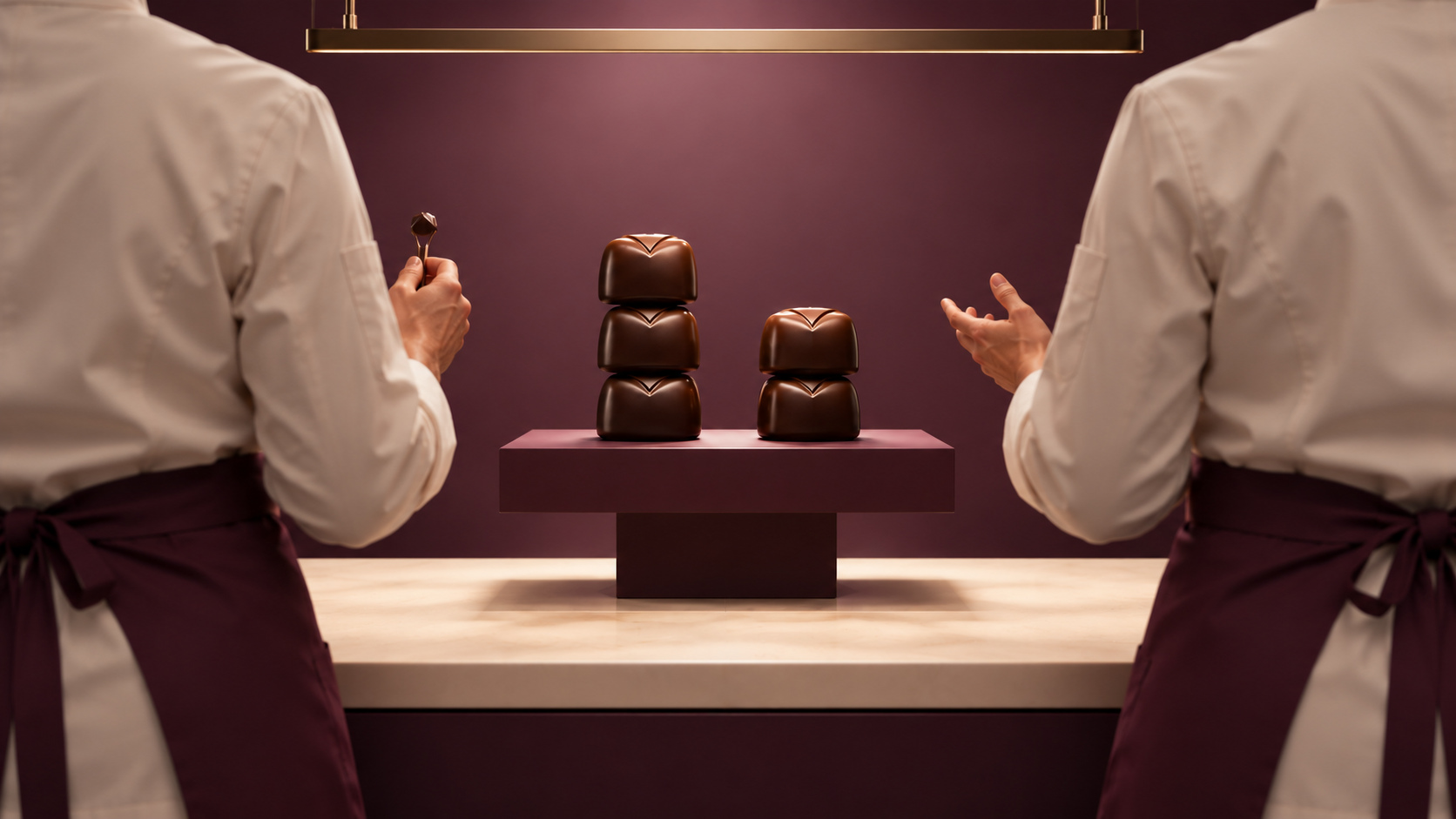
Two back-facing workers, heads outside the crop, ivory jackets and plum aprons. Small tasting-utensil and open-hand gestures during the pullback. Stacks of three bonbons left and two right define the whole V-groove chocolate form, also used for the question-mark assembly.
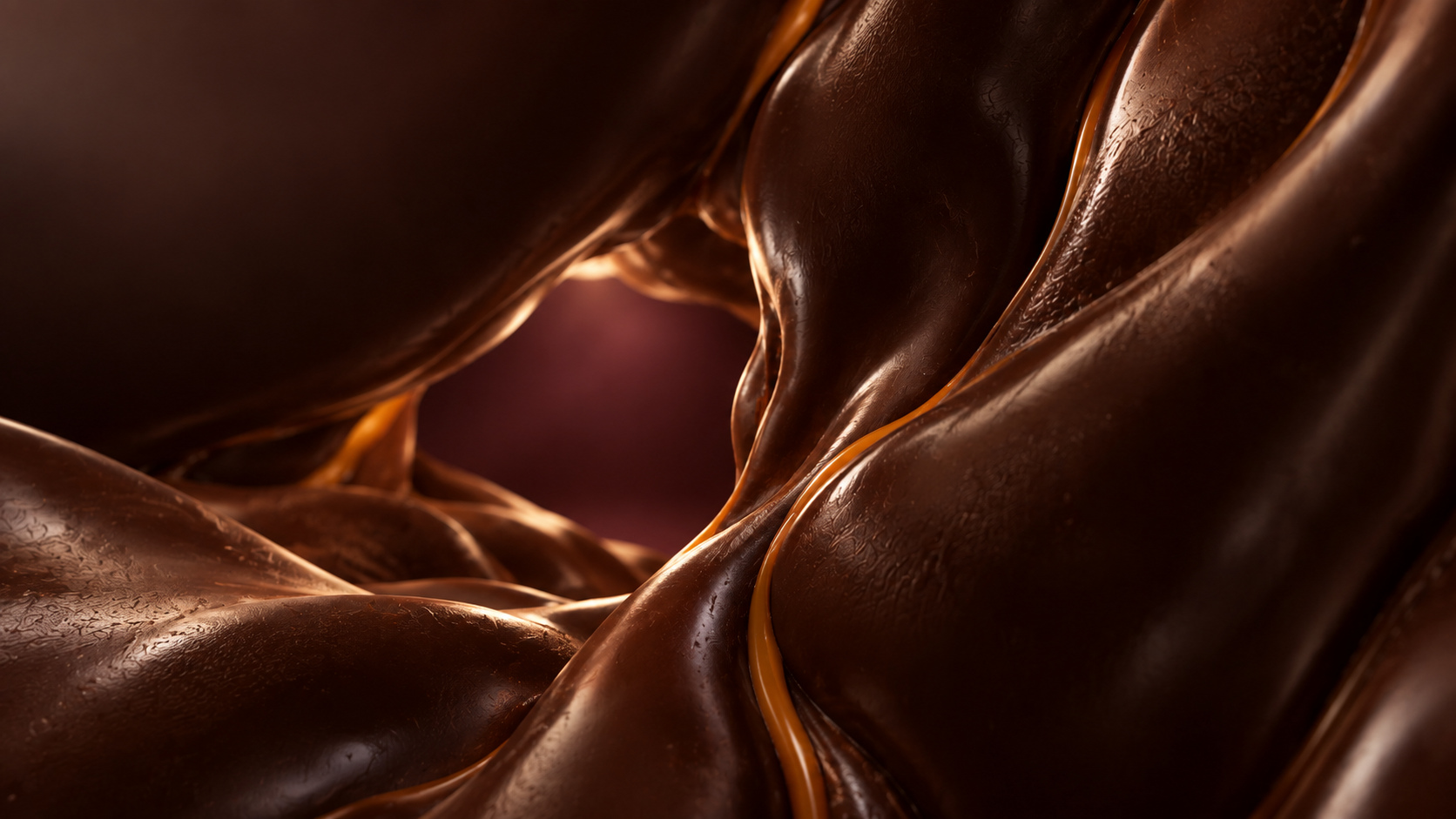
Close asymmetric chocolate folds around a small empty aperture. No host or plate. This framing overrides the original guide's opening and is deliberately different from the final reveal.
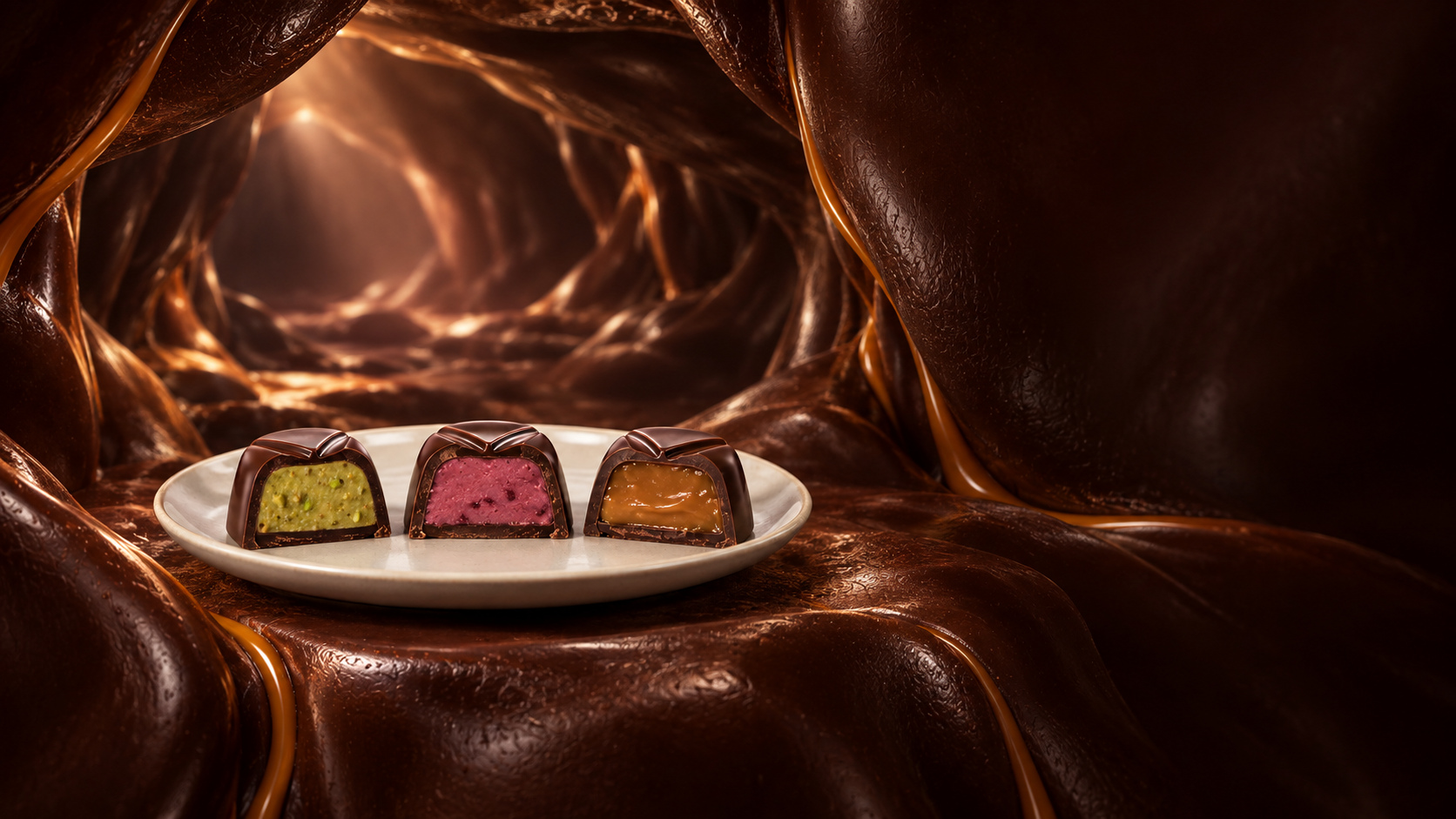
A wider chocolate passage with the three-centre dish grounded in the lower left and room for the tagline at right. Overrides the guide's returning host. Match the serving reference for precise food appearance.
Loading the motion example creates a separate working copy.
Package design
Six views of the Pistachio Praline carton show how the artwork wraps from the front to the information panel.
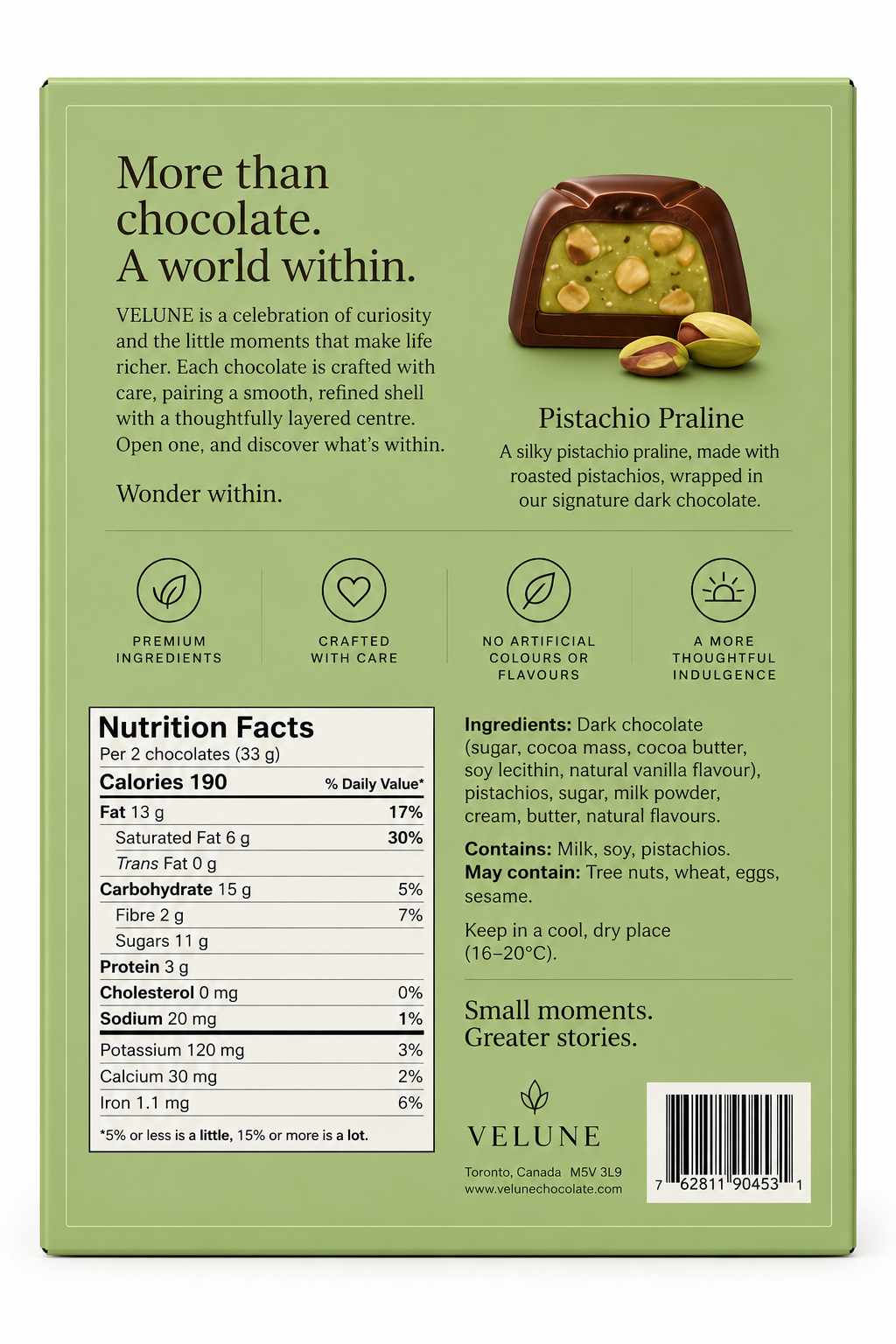
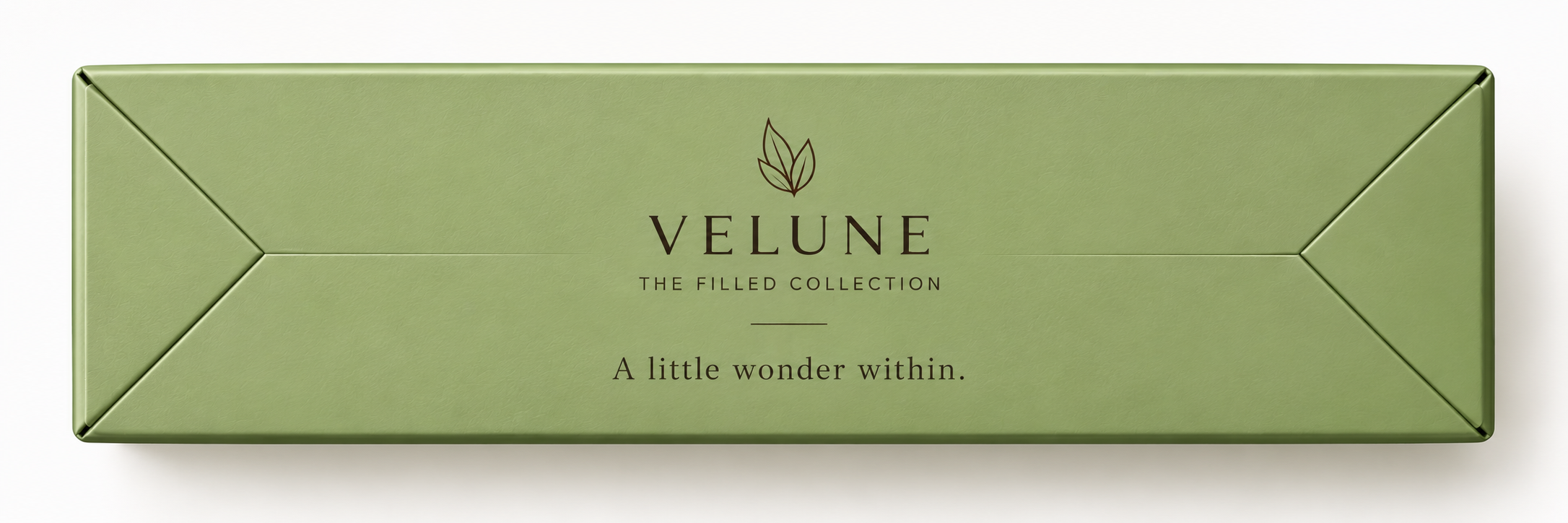
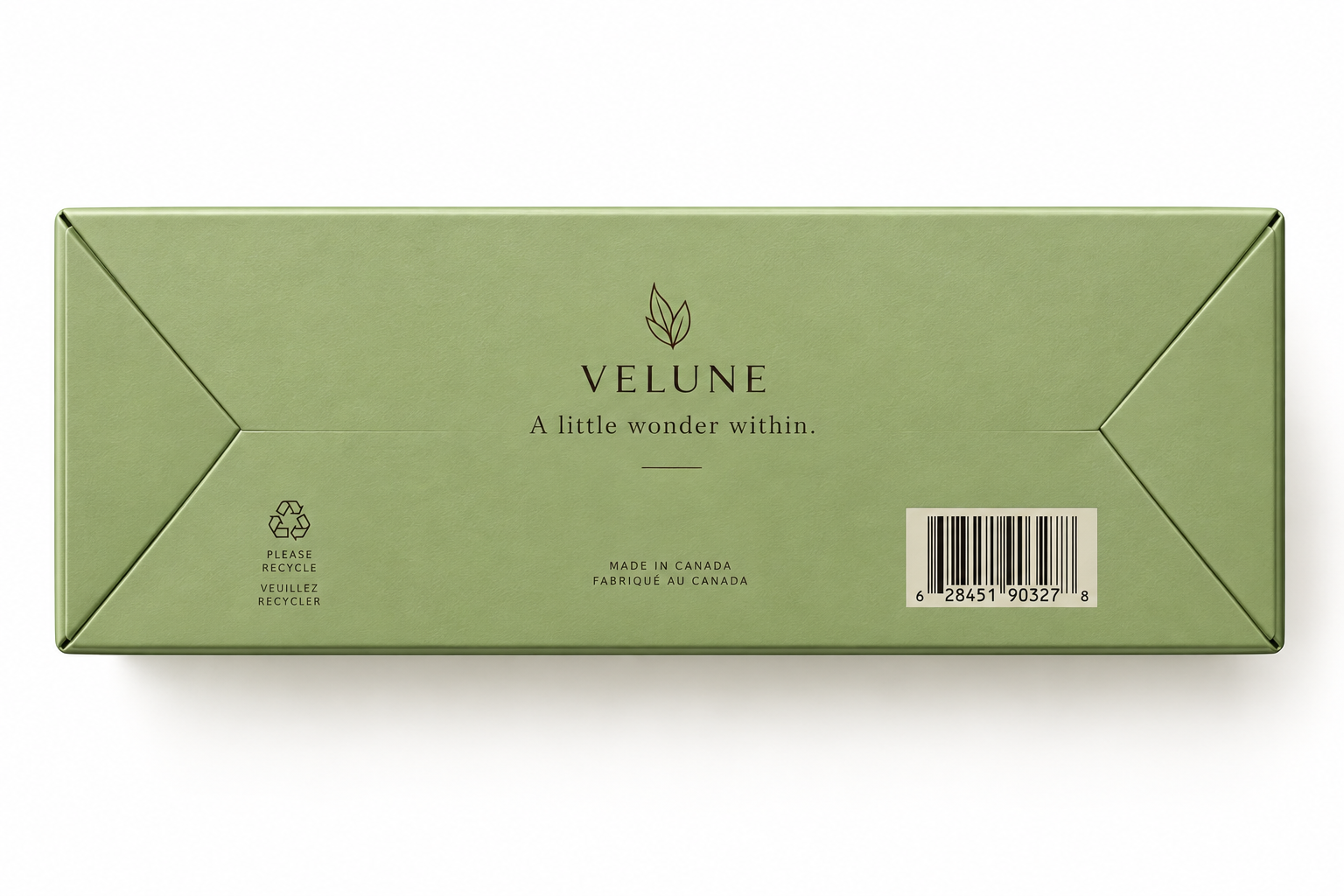
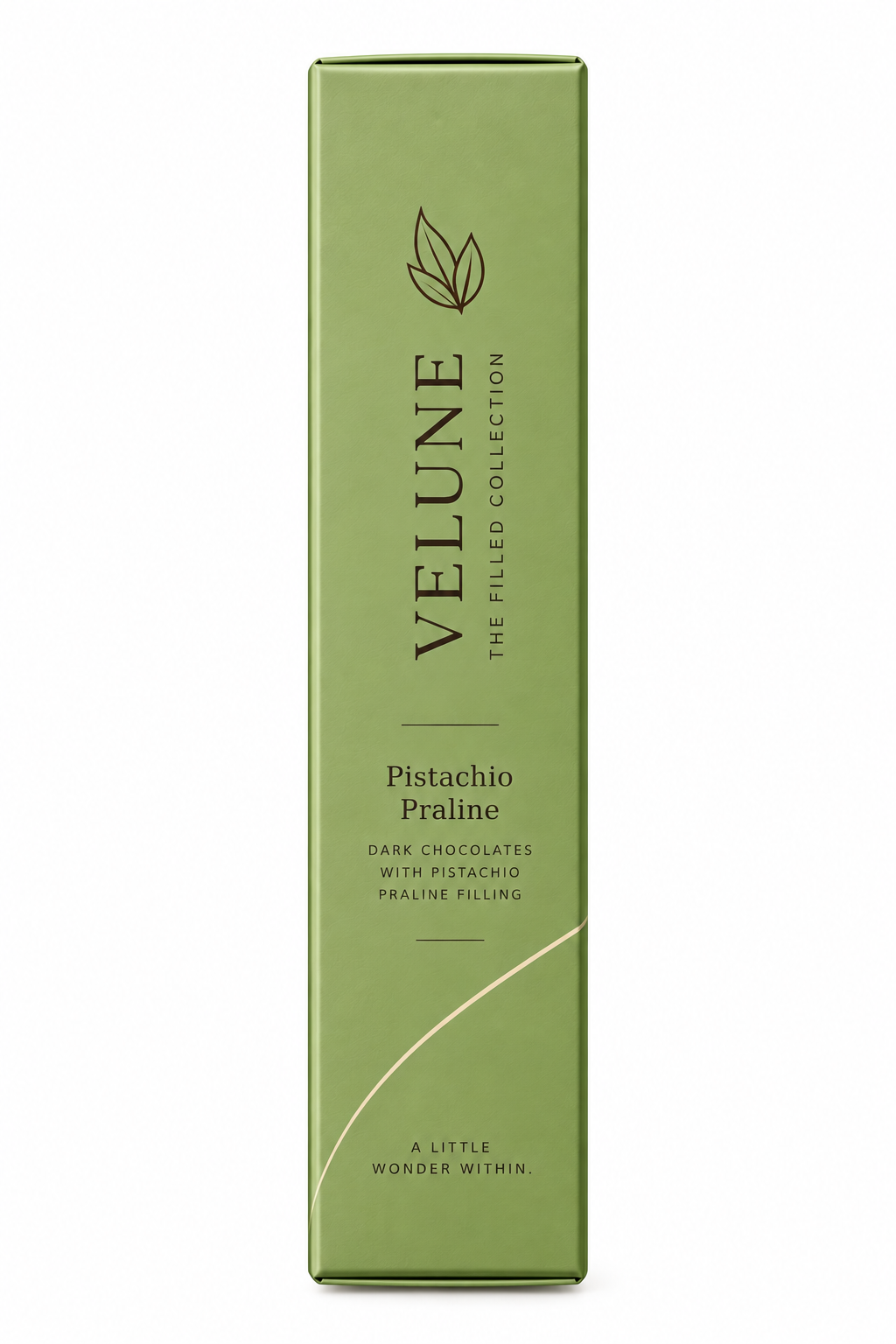
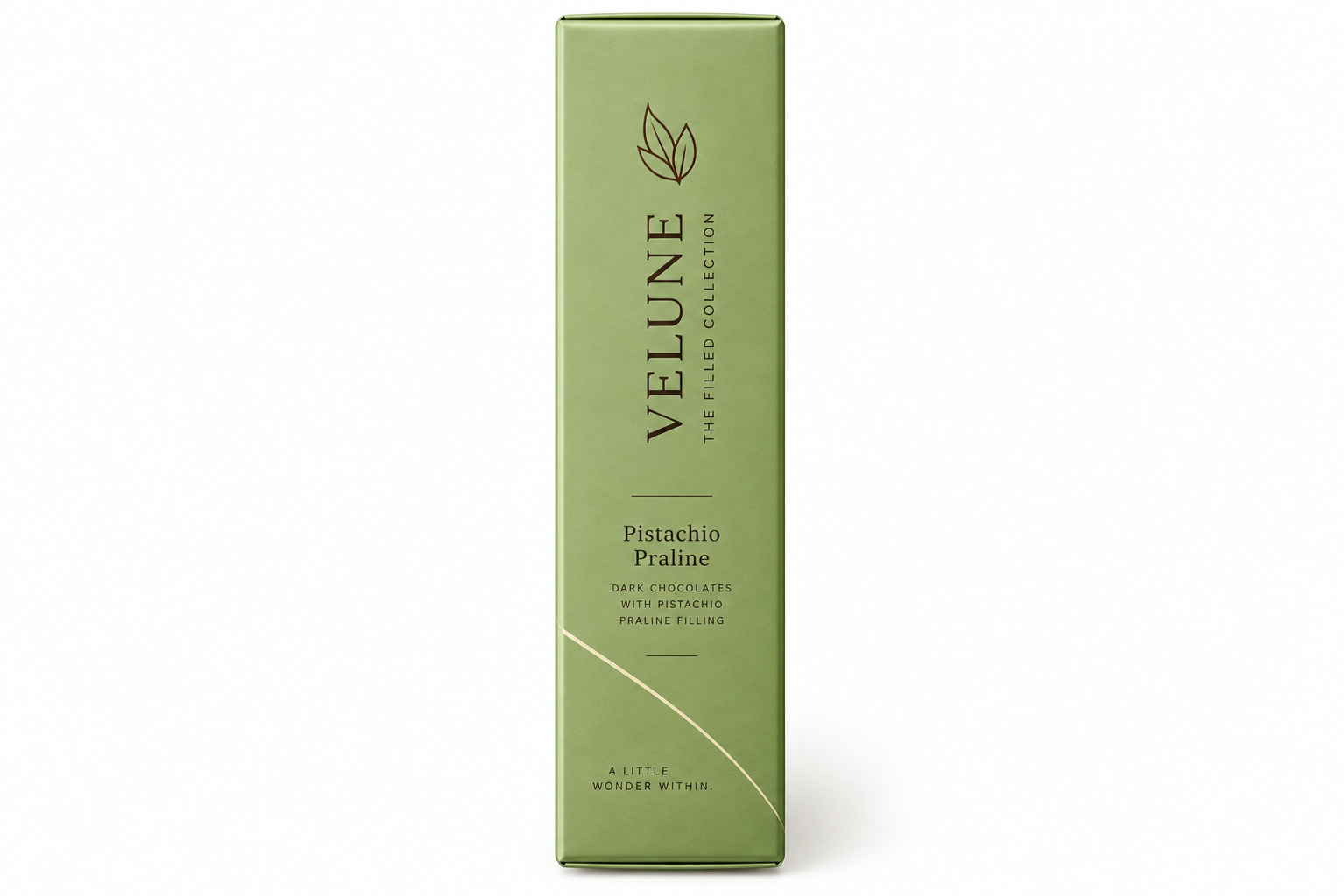
In Packshots, open Artwork & dielines and choose “Load VELUNE carton artwork” to see all six faces mapped to the box.
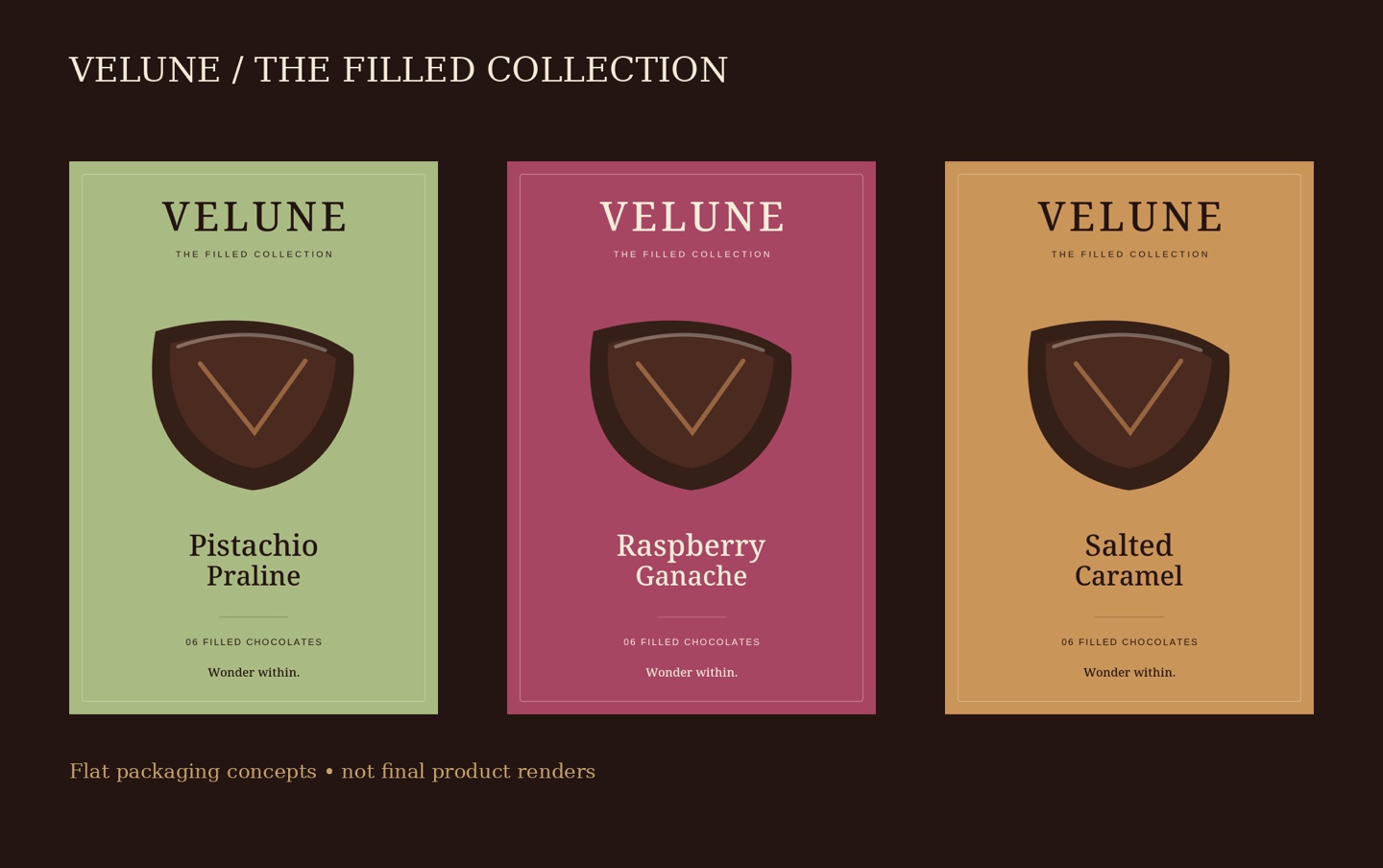

I replaced the generated report with a typeset graphic so the packaging, fillings and text read clearly in the held shot.
Download the report master ↓ComfyUI campaign workflow
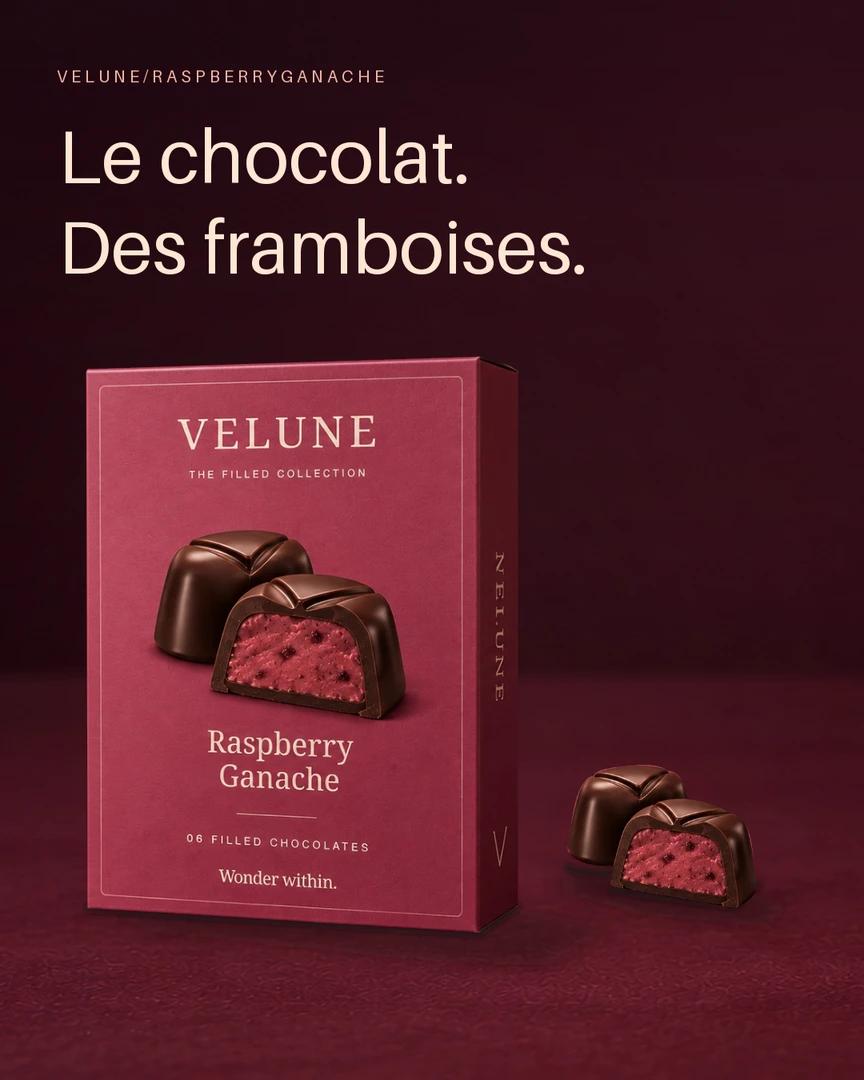
The Raspberry Ganache carton feeds a storefront image and two social ads. Select a node to see what it does, then replay the French headline edit to see which steps ran again.
Replay the recorded edit to the French ad. The storefront and English exports stayed identical, and the carton and shadow stayed in place.
First run · all three exports produced.
ComfyUI 0.46.0 · Local CPU · 35 nodes · 42 connections
The carton and both chocolates come from the same reference artwork. Each is a separate image layer with its own scale and placement.
{
  "33": {
    "class_type": "TextOverlay",
    "inputs": {
      "text": "Le chocolat.\nPuis la framboise.",
      "font_size": 24,
      "color": "#FFE6D4",
      "position": "top",
      "align": "left",
      "outline": false,
      "images": [
        "29",
        0
      ]
    },
    "_meta": {
      "title": "Edit French headline"
    }
  },
  "34": {
    "class_type": "ImageCompositeMasked",
    "inputs": {
      "x": 69,
      "y": 155,
      "resize_source": false,
      "destination": [
        "28",
        0
      ],
      "source": [
        "33",
        0
      ]
    },
    "_meta": {
      "title": "Compose French social"
    }
  },
  "35": {
    "class_type": "SaveImage",
    "inputs": {
      "filename_prefix": "velune-social-fr",
      "images": [
        "34",
        0
      ]
    },
    "_meta": {
      "title": "Export · social FR"
    }
  }
}
Download the full API graphProduction workflow
Translate the reference edit into an independent brand, packaging and sound direction.
Use Blender to settle framing, timing, product positions and camera moves.
Use nine images to guide the cartons, ingredients, studio gestures and final reveal.
Replace the carton inserts, typeset the report, mix the sound and adapt the campaign across formats.
Sound direction
Four short lines leave space for the reveal. The mix lowers the original H3 sound underneath the ElevenLabs voiceover.
Explore the sound workflowProposed voice windows / seconds
“What’s within?”
“Something wonderful.”
“Velune. The Centre Report.”
“Wonder within.”
VELUNE is pronounced veh-LOON. The final film uses the supplied recording’s timing.
After Effects motion study
A companion film that explores animated lettering, 3D carton moves and a gold portal reveal.
15 seconds · 1920 × 1080 · Sound included
Download the motion film ↓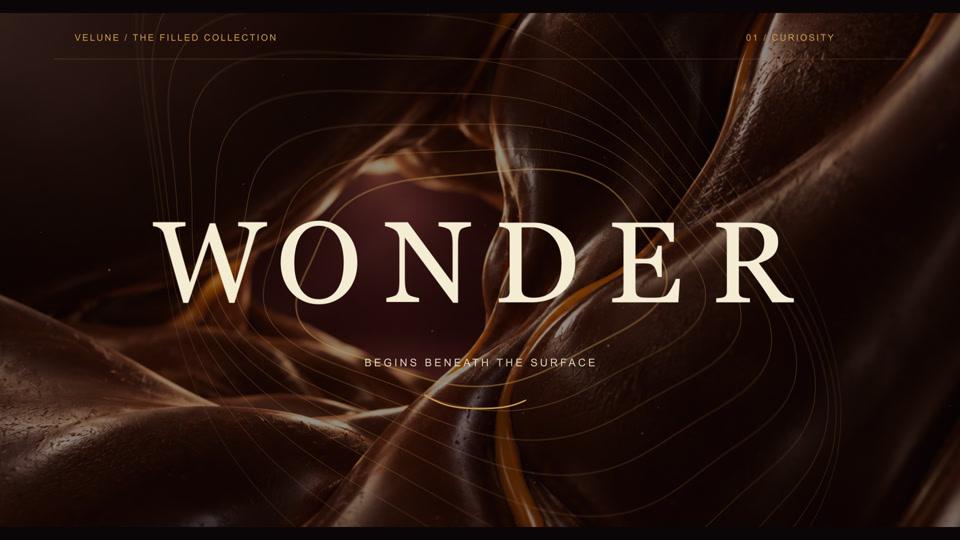
Letters arrive as gold contours trace the chocolate. The opening reads with the sound off.
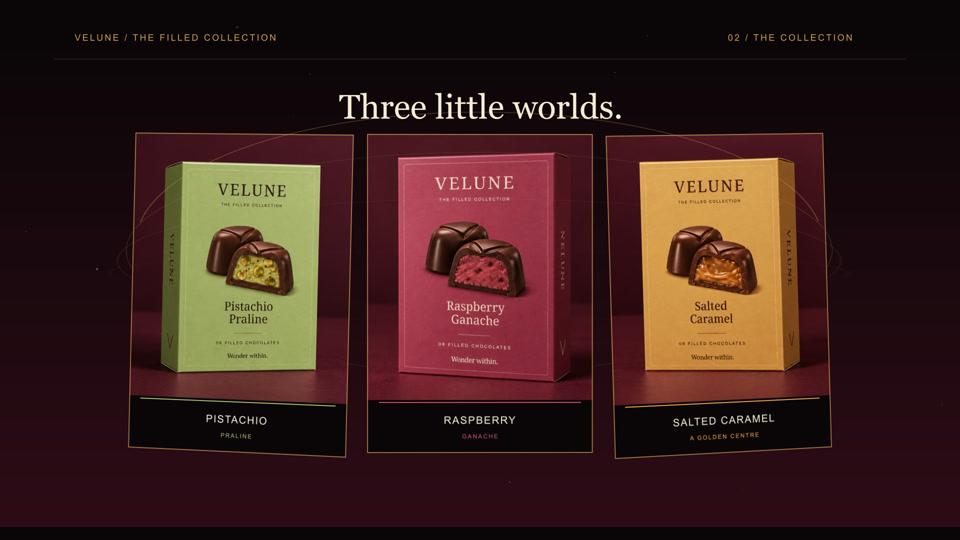
The cartons rotate in 3D while their photographic artwork stays intact.
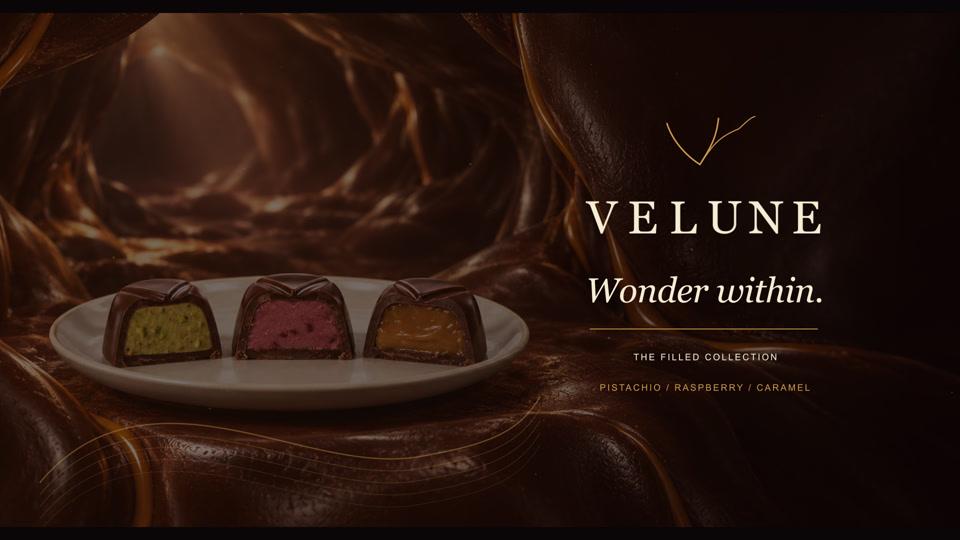
A circular reveal opens onto the three chocolates. The emblem draws on and the light slowly falls.
Inside the project
Edit the text, paths, cameras and keyframes in After Effects. The included script can rebuild the composition from its source assets.
ZIP · 44 MB · After Effects 2026
Project, script, assets, MP4 and instructions
My role · Creative direction, reference selection and review, with AI-assisted scripting. The After Effects render uses VELUNE imagery, a short H3 sequence and the campaign sound mix.
Continue to the finished campaign ↓Finished campaign
The final 15-second film brings together the corrected cartons, typeset report and mixed sound.
1920 × 1080 · 24 fps · 15 seconds · Stereo sound. Finished from the supplied 768p H3 take.
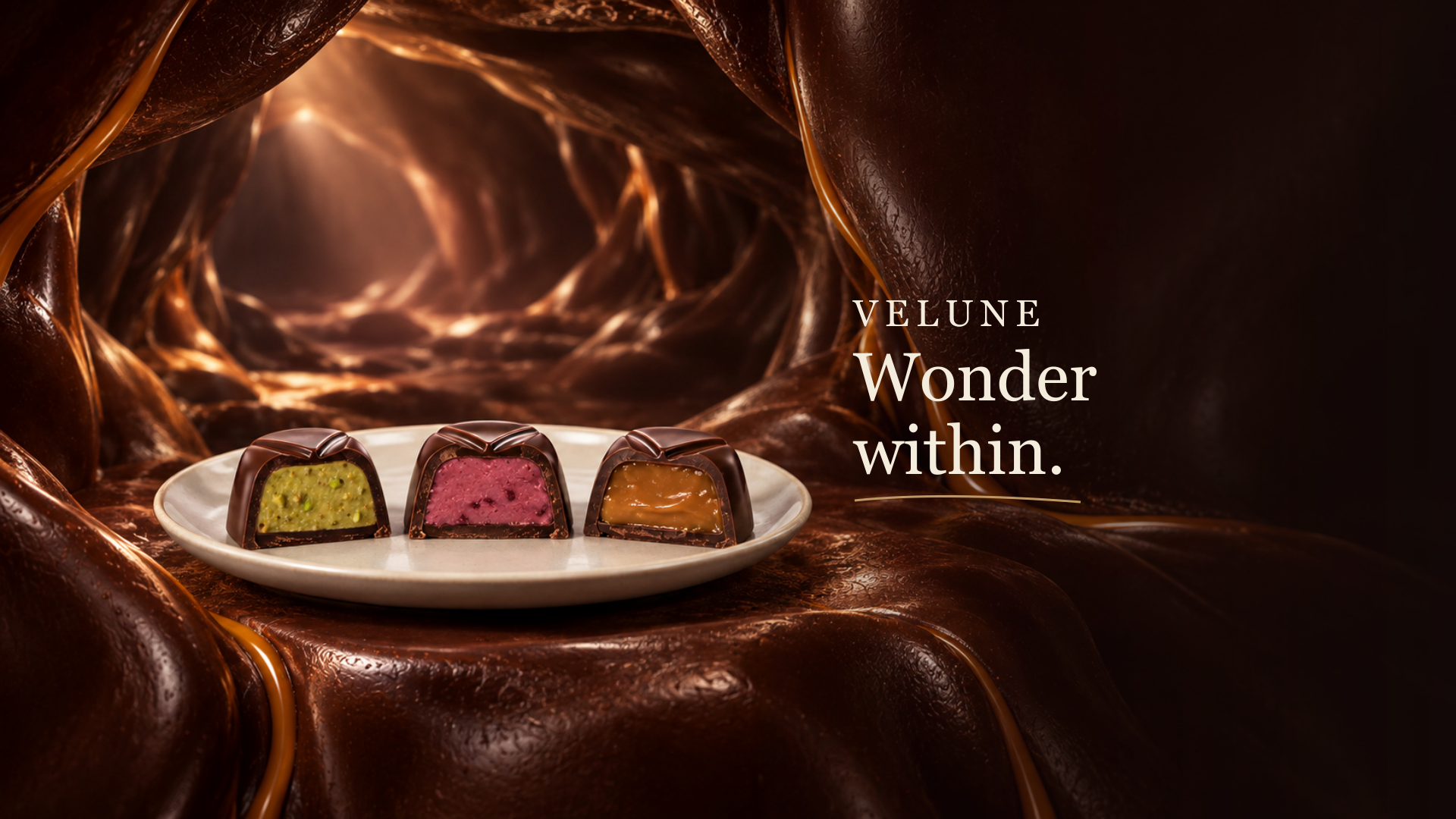
The product sits at left, with the brand and headline in the quieter space at right.
Download 1920 × 1080 PNG ↓A portrait layout keeps the complete film visible, with larger brand and headline type around it.
Download 1080 × 1920 MP4 ↓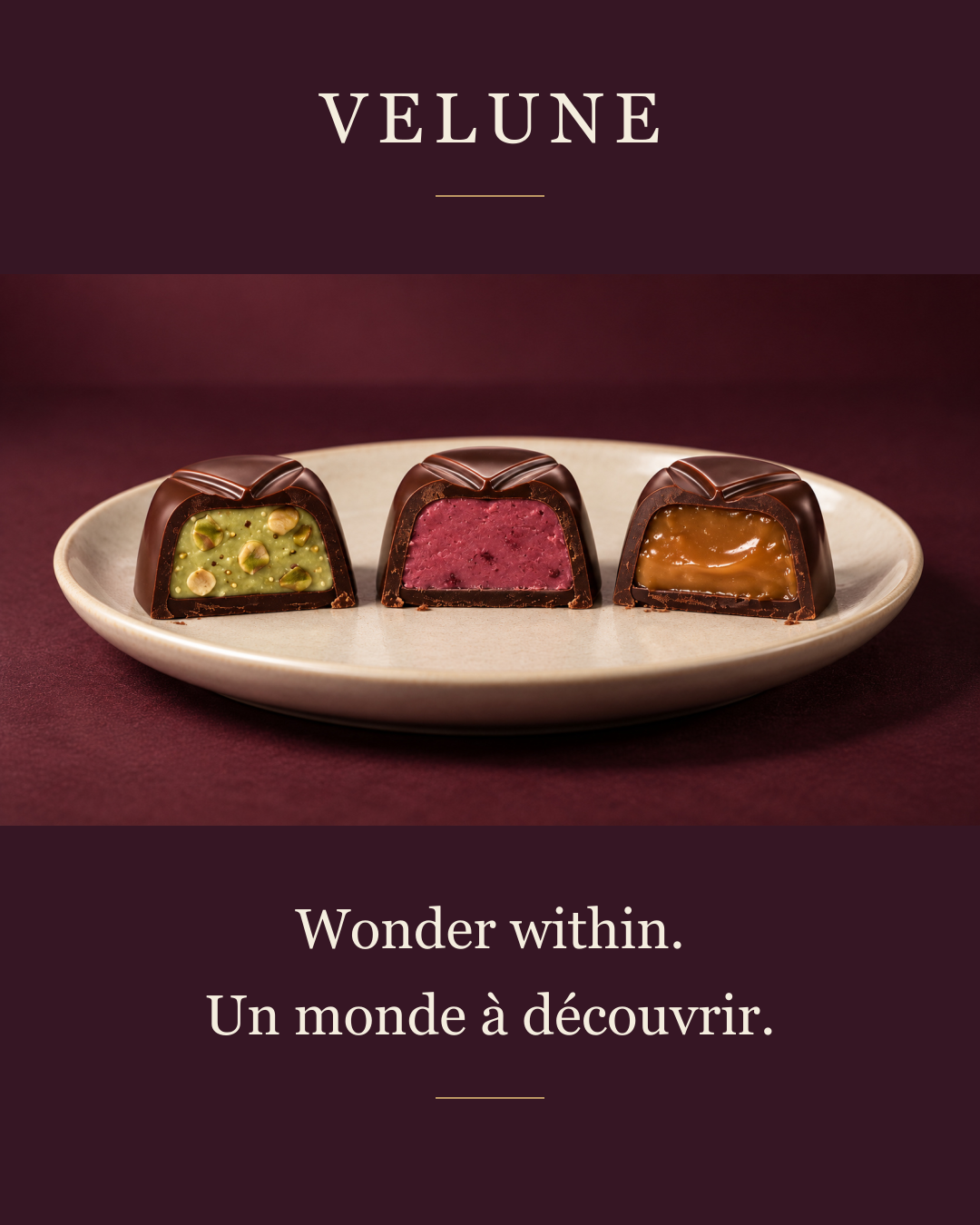
“Un monde à découvrir.” adapts the discovery idea. Both languages have equal space and visual weight.
Download 1080 × 1350 PNG ↓Play the original H3 take and switch its sound on or off alongside the voiceover.
Play the film with the supplied ElevenLabs voiceover. Keep this switch on to hear H3’s original sound too, and balance it with the volume slider. The video and voiceover downloads remain separate.
Use the player above to play, pause or seek both tracks together. Switch original video sound off for voiceover only.