Creative Flows / VELUNE carton study
Raspberry Ganache
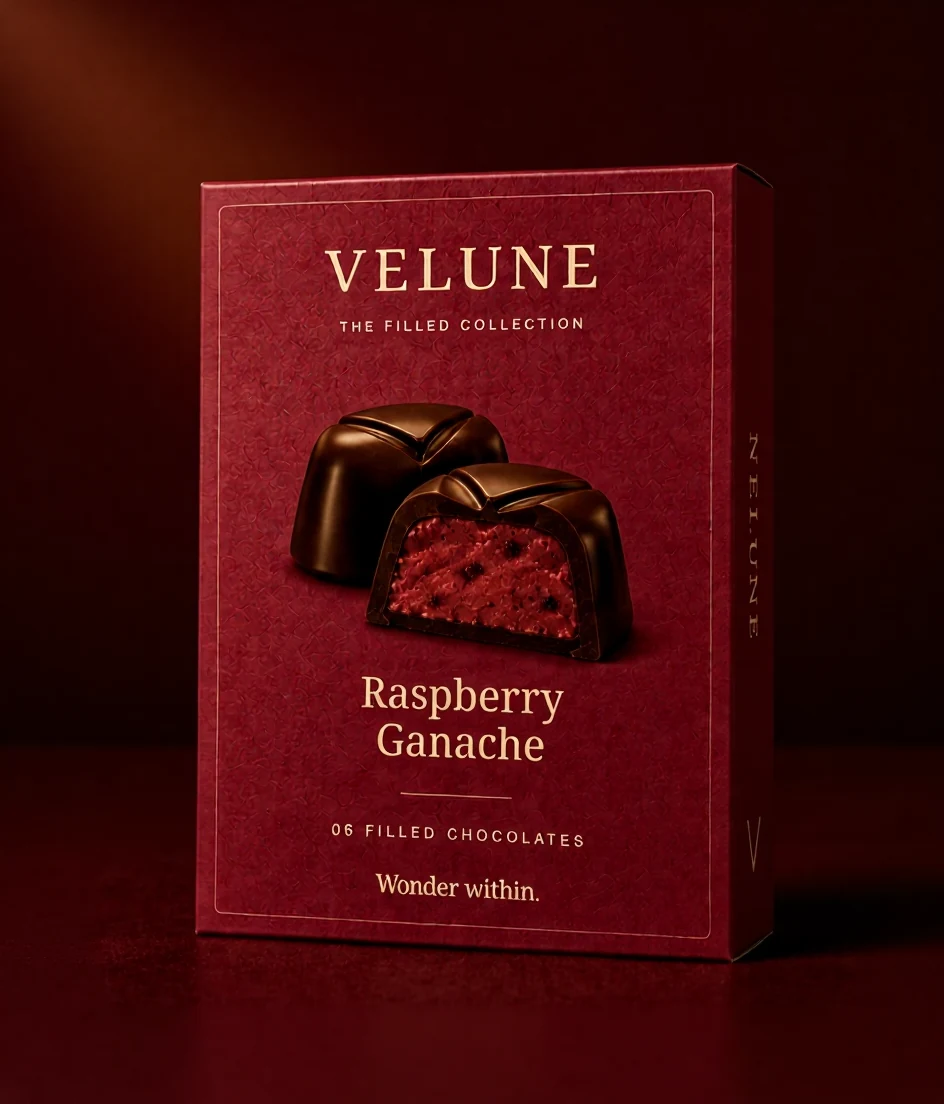
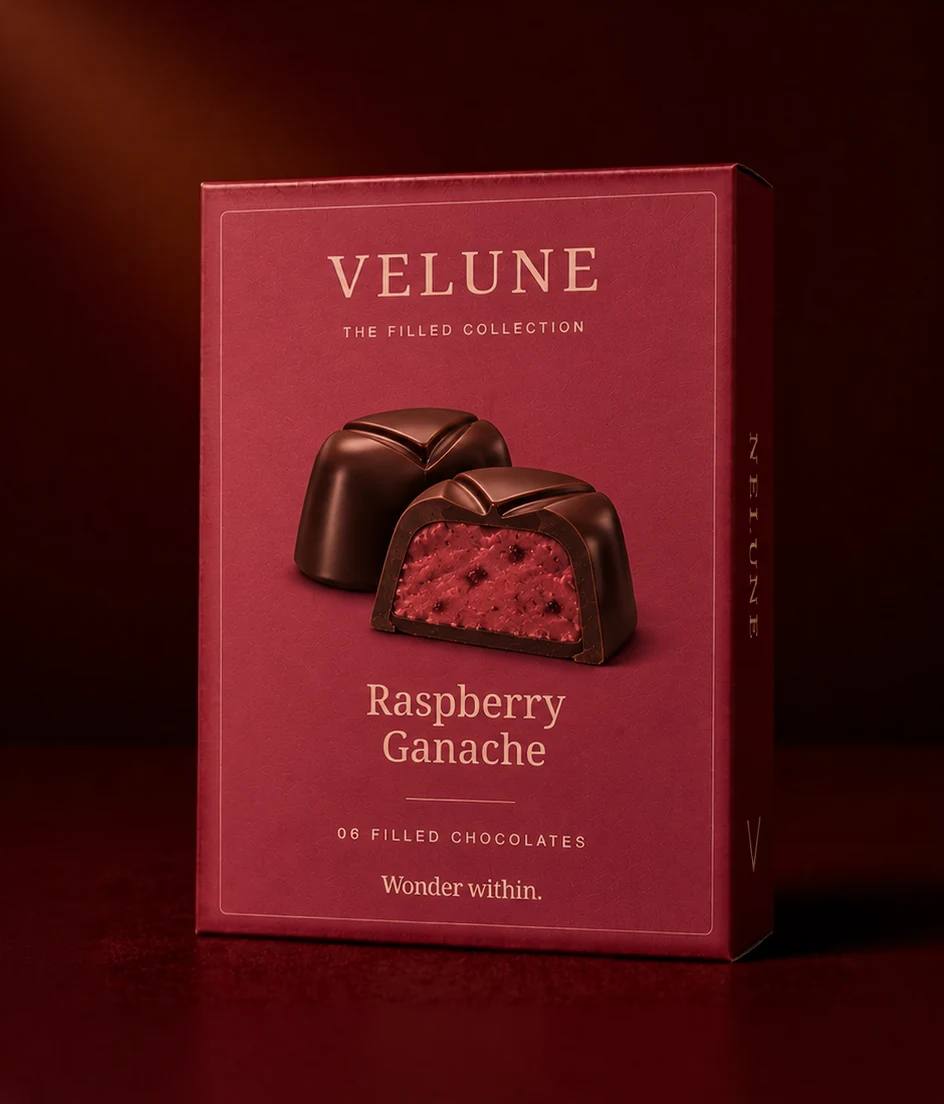
Two lighting treatments for the same carton, tested in ComfyUI and Figma Weave. I reviewed what happened to the packaging as the set changed.
Independent study · Ajwad Rauf
Inside the workflows
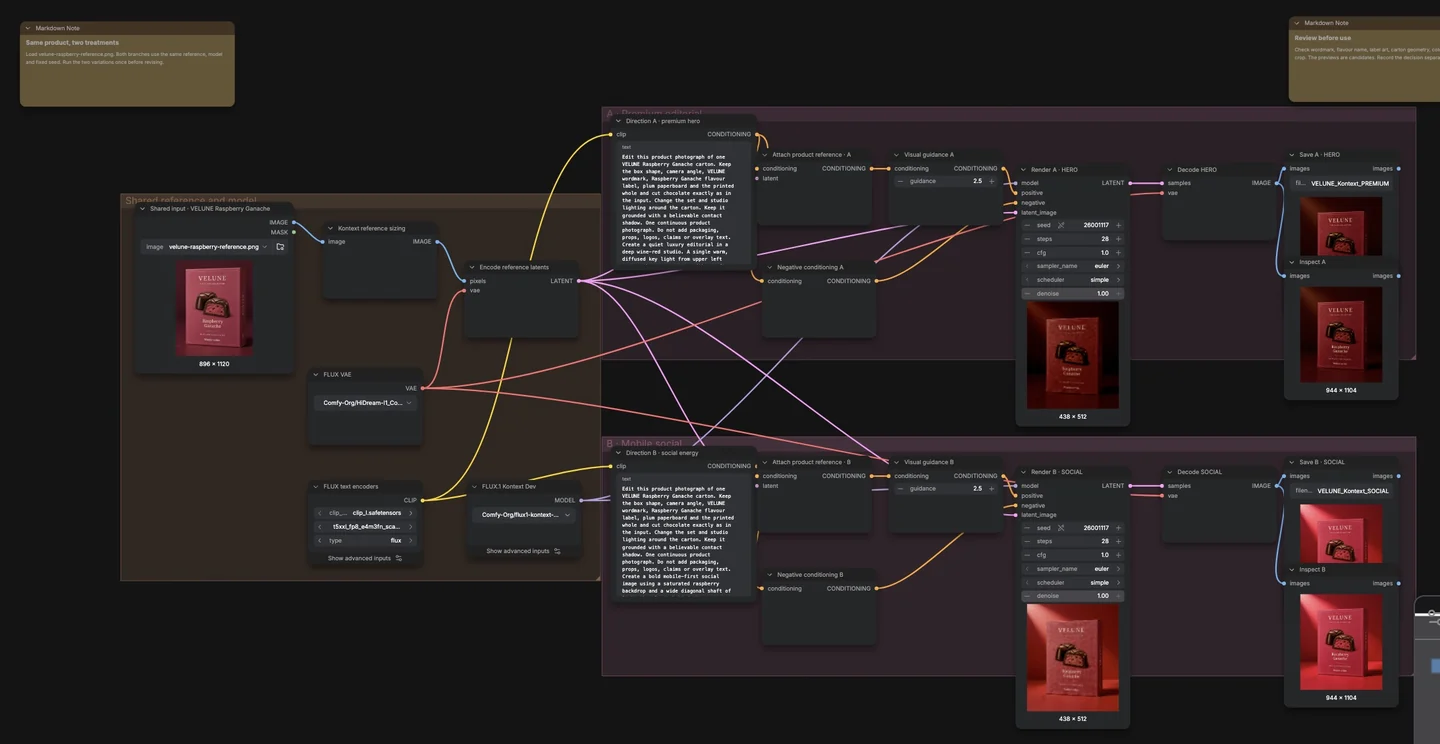
Click a node on either recorded canvas to see its input, what it did, and what it passed on.
1 cloud run · 2 saved PNGs
Creative director’s review
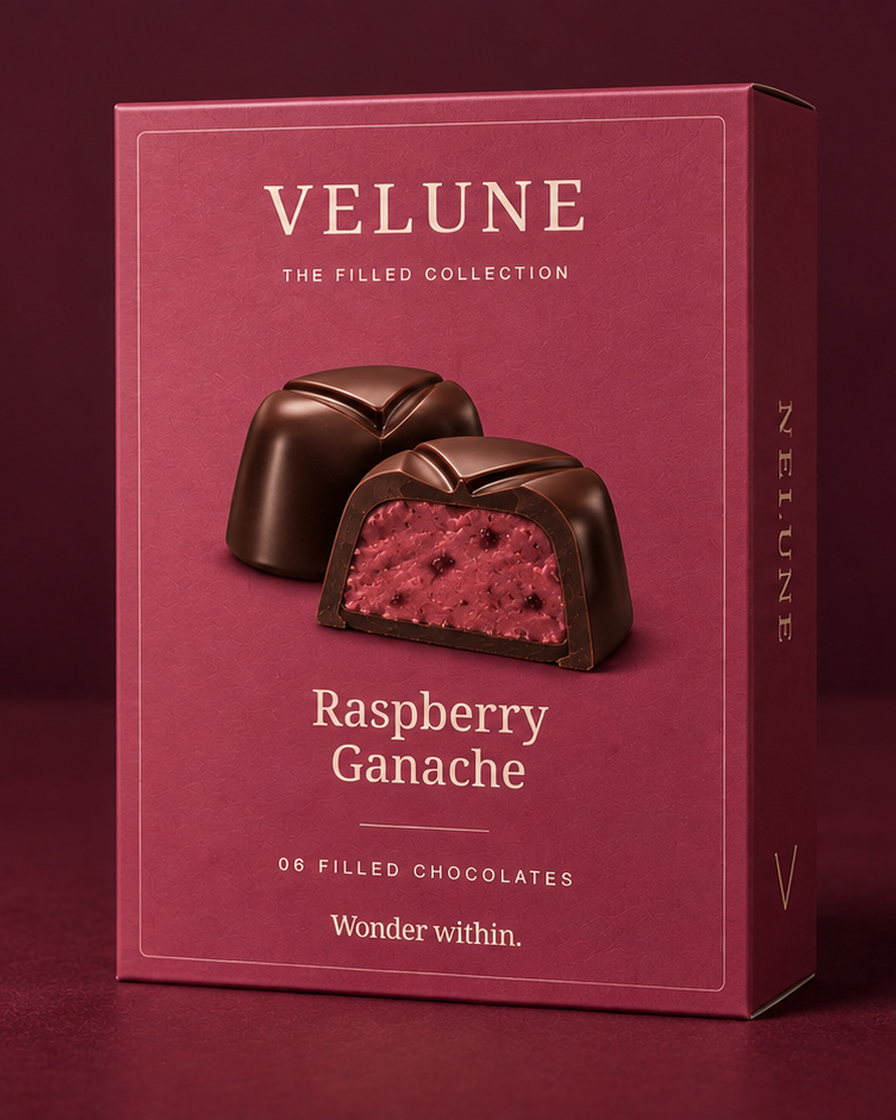
Where the carton changed
At full size, the chocolate on both selected cartons looked darker and the paper had turned redder. I mapped the reference artwork onto the front face and kept the generated scene, shadow and side face.
See the carton correction in the original film case ↗Before a production release
Apply approved artwork to every visible face, proof the colour and lettering, and check the crop and type in each placement. The carton in this study is concept artwork.
Download the shared carton reference ↓ComfyUI and Figma Weave
Both used the same input, prompts and seed with FLUX.1 Kontext Dev. Weave manages its own runtime and ComfyUI exposed an FP8 checkpoint and sampler settings. The different output sizes and execution paths limit any model-quality or cost comparison.
| Criteria | ComfyUI | Figma Weave |
|---|---|---|
| Creative control | Explicit latent conditioning, sampler, scheduler and export settings. | A shared canvas made art direction, branching and review visible together. |
| Product fidelity | Strong front layout. The model darkened the chocolate graphic and made the paper redder. | Main labels stayed legible. The social branch tilted the box, shifted the artwork and intensified the red. |
| Iteration | Individual branches can change at the prompt, latent, sampler or finishing stage. | A reviewer can open a prompt, run its model node and compare with the other branch on the same canvas. |
| Model flexibility | Native weights and explicit loading. This run used the Kontext Dev FP8 checkpoint. | Hosted model selection inside the same canvas. This test used Kontext Dev only. |
| Production use | Version the editable JSON, original input and PNG metadata for repeatable jobs. | Share the brief and candidates with creative teams. The tested canvas is view-only by link. |
| Image quality | Selected for the quiet premium set and amber falloff. | Selected for the diagonal light and contrast in social. |
| Cost observed | 1 free cloud run for 2 outputs. 4 of 5 free runs remained. | 2 model runs × 3 credits. 144 of 150 trial credits remained. |
| Reuse at scale | Parameterize the reference and prompts, preserve settings and add a package review gate. | Reuse the reference and prompt branches for new SKUs. Publishing a reusable Tool would be a separate step. |
From study to production
- Source the productProduct Shots and Blender already provide artwork views and camera references.
- Explore the setComfyUI and Weave ran externally. This study uses saved renders and an exported graph.
- Review and finishSelect the lighting, restore approved artwork and add editable type or motion in finishing.
- Proposed studio linkAttach the selected plate, prompt, graph and review decision to a Campaigns project. Keep model runs behind studio access and budget controls.